
19/10/2026 10:01
Who Can Publish Your Shop’s Videos? YouTube Channel Permissions for Cambodian Businesses
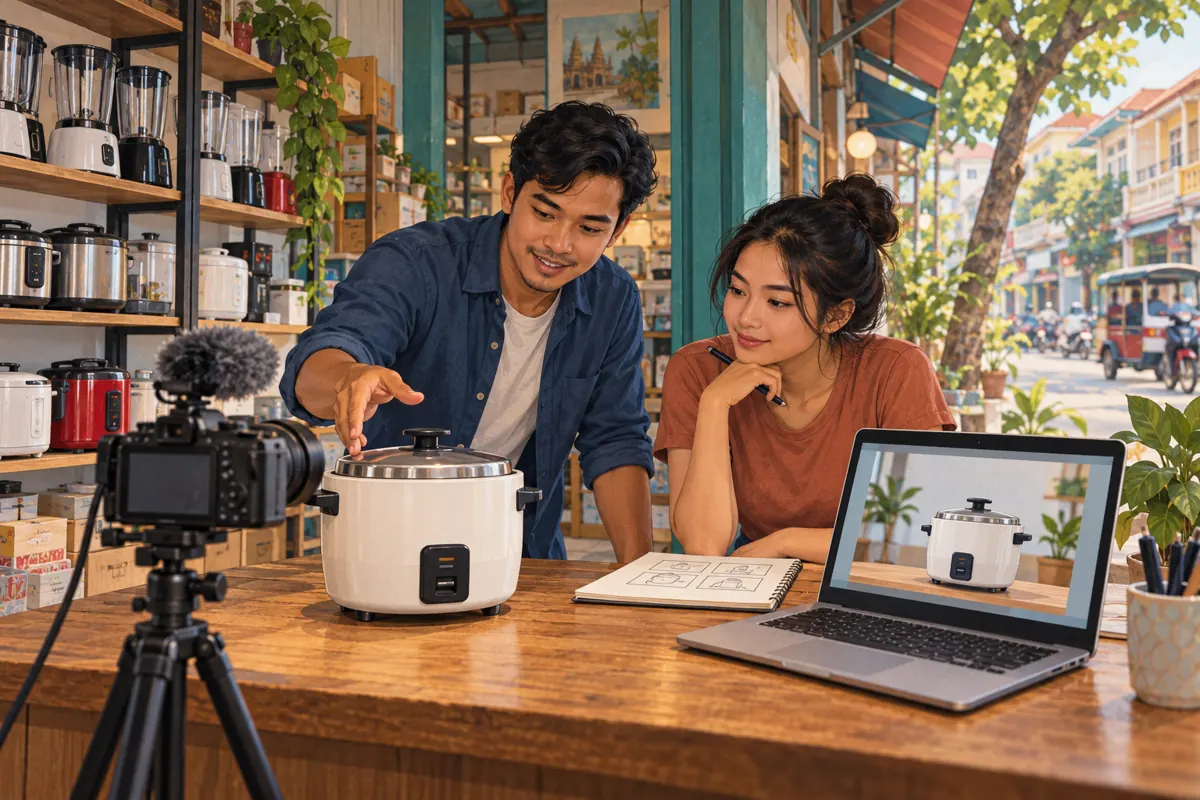
Hiring someone to improve your shop’s YouTube videos creates a practical question: what should that person actually be allowed to do? A freelancer who trims footage may need only the original files. Someone uploading finished demonstrations needs a different arrangement. Giving everyone broad access because they work on social media can turn a simple assignment into an unclear publishing relationship. For Cambodian businesses balancing shop duties, Khmer product explanations and outside creative help, a written access plan makes collaboration easier. This guide follows a hypothetical appliance shop preparing a rice cooker demonstration. It explains how to choose access, approve publication and keep any SMM panel proposal subject to a separate decision.
1. Describe the job before choosing a role
Start with the work you expect to receive. In our hypothetical Phnom Penh shop, the owner wants a freelancer to turn recorded footage into a clear demonstration of removing and replacing a rice cooker’s inner pot. The assignment includes editing the footage, preparing a thumbnail and suggesting a description. None of those deliverables automatically requires access to the shop’s channel.
Write the assignment using concrete actions: edit the supplied footage, return a review copy, revise approved corrections and deliver the final files. Separately name the person who will upload and publish. If the freelancer also proposes promotion, ask for that proposal as another item with its own method and approval. This prevents a vague instruction such as “handle our YouTube” from becoming permission to change older videos, publish unfinished work or spend money.
2. Decide whether channel access is necessary
Use a simple decision process. If the person produces creative assets, arrange file delivery. If they advise on content, provide the relevant videos and a focused brief. If they review performance, first consider whether a carefully selected report answers their questions. Only move toward channel access when the agreed task genuinely requires work inside the channel.
For the hypothetical shop, the first project could end with a video file, thumbnail image and description document. The owner then handles publication. This requires some owner time, but it also provides a useful trial of the working relationship. If regular uploads later become burdensome, reassess access against that specific workload. Convenience matters, but it should be weighed against the consequences of an incorrect upload or an unexpected public change. Avoid granting access simply because another client gave the freelancer access.
3. Understand what the selected role allows
YouTube channel permissions let people work without receiving your Google Account password. Editor can upload and publish but cannot manage permissions or delete published content. Editor (Limited) additionally excludes revenue data. Viewer (Limited) permits viewing without editing or revenue access. Manager can manage permissions and delete content. Consult the current [YouTube channel permissions guide](https://support.google.com/youtube/answer/9481328?co=GENIE.Platform%3DDesktop&hl=en) before selecting a role.
The important business distinction is between technical ability and your agreement. A role that permits publishing does not express your shop’s requirement for owner approval. Write that requirement separately. If you cannot accept someone having publishing capability, keep uploading with the owner and exchange files instead. Do not assume the word “Limited” means every sensitive action is blocked. Choose according to the documented capabilities, then decide whether those capabilities fit the actual relationship.
4. Invite the intended person and check the setup
On a computer, YouTube’s documented route is Studio, Settings, Permissions, Invite. Enter the person’s email, select the role and complete the invitation. Invitations expire after 30 days. Brand Account users may need to migrate to channel permissions first. These steps are documented in the permissions guide linked above.
Before sending the invitation, confirm the address directly with the freelancer using your established conversation. Record who the invitation is for, the assigned task, the chosen role and the planned review date. Avoid putting passwords or recovery information in that record. After acceptance, ask the freelancer to confirm the intended shop channel and demonstrate only the agreed working area. Make the first check a harmless review of existing material. Publishing a test video publicly is unnecessary for confirming that the collaboration has been set up correctly.
5. Make approval refer to an exact finished version
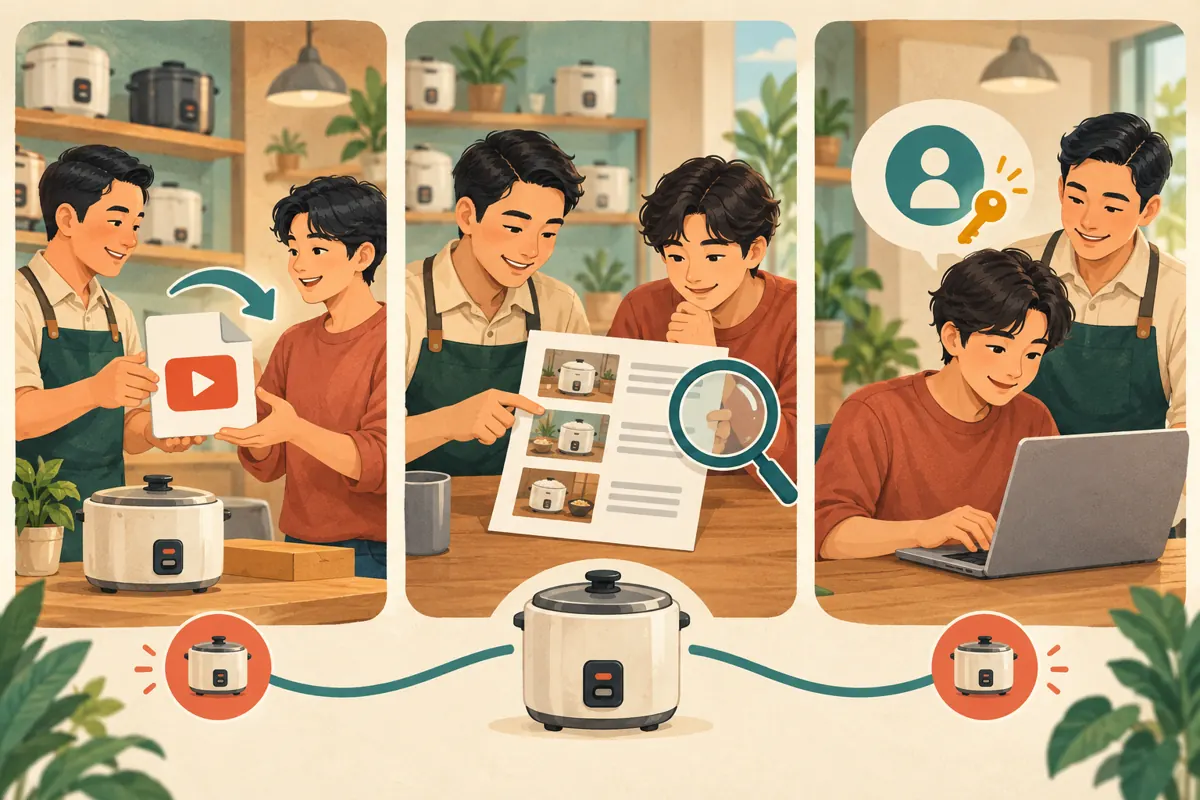
A message saying “looks good” can become ambiguous after revisions. Give each review copy a clear version name and keep approval beside that reference. For example, the hypothetical owner could approve “Rice cooker pot demo, final revision B” together with its thumbnail and description. If the opening shot or a product claim changes afterwards, return the revised package for approval.
Review the details customers will rely on: which appliance appears, what the demonstration actually proves, which accessories are included and how viewers should enquire. Have someone comfortable with the shop’s intended Khmer wording check the spoken explanation and written material. A fluent editor may still misunderstand a model name or a shop-specific term. Reserve a short review period when the owner can watch with sound and inspect the thumbnail on a phone, rather than approving between customer payments.
6. Keep promotion purchases outside the editing assignment
An editing fee should have an understandable deliverable. Ask a freelancer who offers “growth included” to explain exactly what that means before agreeing. It might refer to improving packaging, distributing the video through an agreed channel or buying engagement. Those are different activities with different implications. Channel access and permission to spend money should each have an explicit purpose.
The supplied pay-smm.com catalogue includes “YouTube - Subscriber ~ Max 1M ~ 100-500/days ~ 0-12 hrs ~ 𝗥𝗘𝗙𝗜𝗟𝗟 30D”. Its title identifies it as a subscriber service, but the brief supplies no description. The timing, quantity and refill wording are catalogue claims, not verified outcomes. This listing does not establish Cambodian audience origin, genuine interest or official YouTube affiliation.
YouTube prohibits artificial engagement and warns that a hired promoter’s actions can affect the channel, including removal or termination. Review its [fake engagement policy](https://support.google.com/youtube/answer/3399767?hl=en). Decline proposals that artificially inflate metrics. Purchased engagement is not evidence of sales, ad delivery or Cambodian customers.
7. Give the freelancer the facts needed for useful promotion
A good production brief reduces the temptation to substitute impressive-looking numbers for useful work. Supply the product’s confirmed name, the customer question being answered and the next step the shop can actually support. For the hypothetical demonstration, the question might be whether the inner pot can be lifted out easily. The next step could be asking the shop about the exact model shown.
Include practical Cambodian business context where it affects the message. Specify whether enquiries can be answered in Khmer, whether collection is available at the shop and whether delivery arrangements need individual confirmation. If a price appears, state the currency clearly and have the owner verify it. Do not ask the freelancer to invent missing warranty or delivery terms. A visually attractive demonstration can still create unnecessary enquiries when the essential purchasing information is vague or incorrect.
8. Check the published result without inventing success
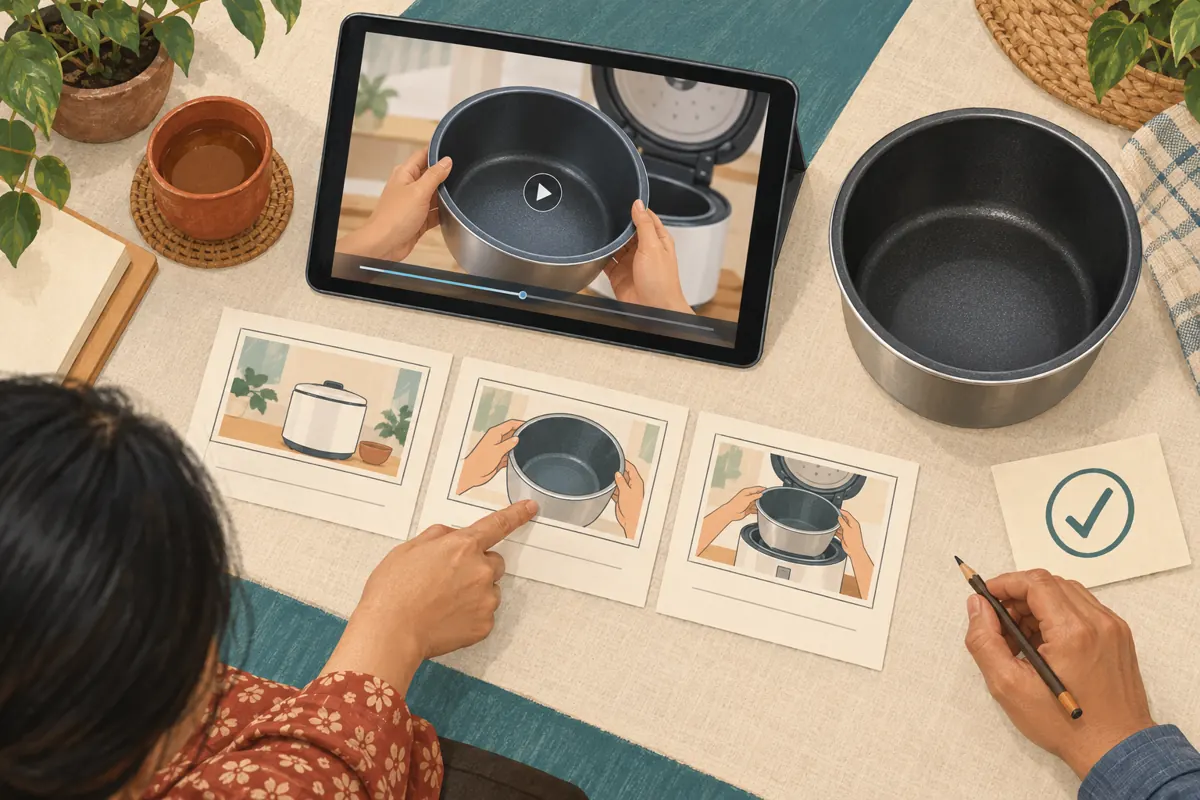
Assign one person to inspect the final public video against the approved package. Check the opening, sound, thumbnail, description and enquiry instructions. Keep a note of any correction needed and who will make it. This is an acceptance check for the work delivered, not a claim that the campaign has succeeded.
Then review useful customer signals separately. In a hypothetical follow-up, viewers might repeatedly ask whether the pot shown fits another model. That suggests the demonstration needs a clearer compatibility explanation; it does not establish how many people will buy. Record actual enquiries and confirmed transactions through the shop’s ordinary process without attributing every sale to YouTube. If an outside promotion occurred, record its method and dates so the owner can interpret observations cautiously. A freelancer’s delivery report and the shop’s business results answer different questions.
9. Resolve access problems without expanding every permission
If the freelancer says a task is blocked, ask which exact action they attempted, which account they were using and what happened. Compare that action with the original assignment. Sometimes the requested action belongs with the owner; sometimes the assignment has changed. Decide that first, before choosing a broader role.
Common mistakes include treating a trusted friendship as a substitute for a defined job, approving a thumbnail without reviewing its accompanying video, and allowing an urgent deadline to erase the publication check. Another mistake is accepting a bundled promotion charge without understanding the method. When an unexpected edit appears, pause further work, preserve the relevant version references and agree on the correction. Focus on restoring accurate public information. Avoid making several hurried changes at once, because that makes it harder to identify which version the owner actually approved.
10. Close the project while preserving the work
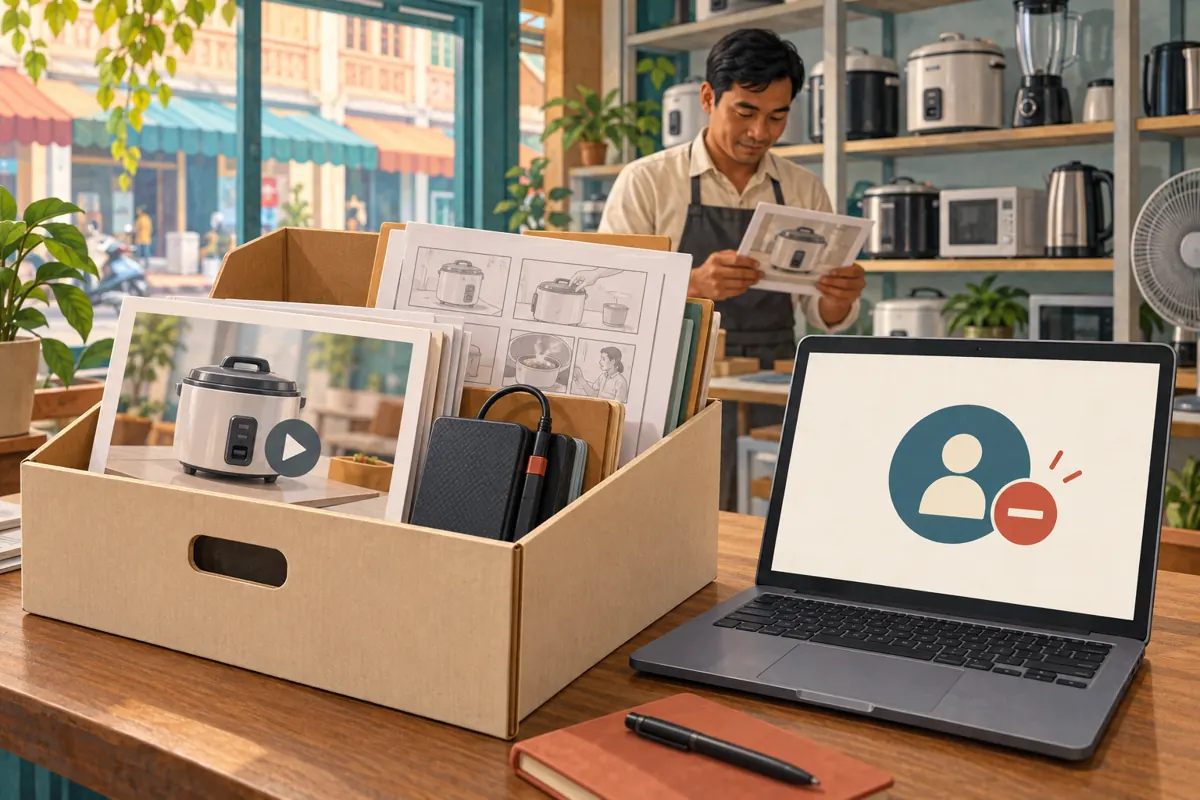
At the end of the assignment, collect the agreed final files, thumbnail, description and any editable project materials included in the contract. Check that the shop can open them. Record outstanding corrections and decide who will answer future product questions. Do this before everyone assumes the project is finished.
Remove temporary access through Studio’s Permissions settings using the person’s role menu. Keep a dated internal note that the access review is complete.
Also review separately shared folders and other collaboration arrangements; do not assume one access change covers every place where files were shared. For a recurring freelancer, set the next review around the next actual assignment. This keeps access connected to ongoing work. The shop should finish with usable assets, a clear publishing history and an understandable plan for maintaining the demonstration when its product information changes.
Frequently asked questions
Does a freelance video editor need my YouTube password?
No. Editing supplied footage can happen through file exchange. When channel work is necessary, use the permissions arrangement described above. First establish which task requires access. A request for your password should prompt you to revisit the proposed workflow, rather than treating credential sharing as part of hiring an editor.
Can I treat Editor (Limited) as an approval-only role?
No. Its revenue restriction does not remove publishing capability. If owner approval must be technically enforced by keeping publication entirely in the owner’s hands, use a file-delivery workflow. A written approval rule is useful, but it remains an agreement between people rather than a custom platform restriction.
What if the freelancer includes subscribers in the package price?
Ask how those subscribers would be obtained before accepting the package. Do not interpret a bundled fee as evidence that the method is appropriate. Separate the creative work from the promotion proposal, decline artificial engagement and assess the editor on deliverables you can inspect, such as clarity, accuracy and the completed video.
Should a Cambodian shop hire someone who does not speak Khmer?
That can work when responsibilities are clear. A capable editor can assemble footage while a Khmer-speaking reviewer checks meaning, pronunciation and customer instructions. Supply an approved script or explanation and budget time for review. Do not leave the editor to guess whether an unfamiliar product phrase changes the promise being made.
What should we do if an unapproved version is published?
Contact the responsible collaborator, stop further changes and compare the public video with the approved version. Have the owner decide the appropriate correction based on what viewers can currently see. Review access if necessary, then improve the approval record so future instructions identify the precise files and publishing decision.
Explore the current service catalogue, create an account, or ask a specific question through support tickets.
- YouTube Help: Add or remove access to your YouTube channel with channel permissions
- YouTube Help: Fake engagement policy
Prepared with AI assistance. Illustrations explain the workflow and do not represent customer results.