
20/10/2026 02:28
Will the Gift Be Revealed Too Soon? Telegram Spoilers for Cambodian Hamper Shops
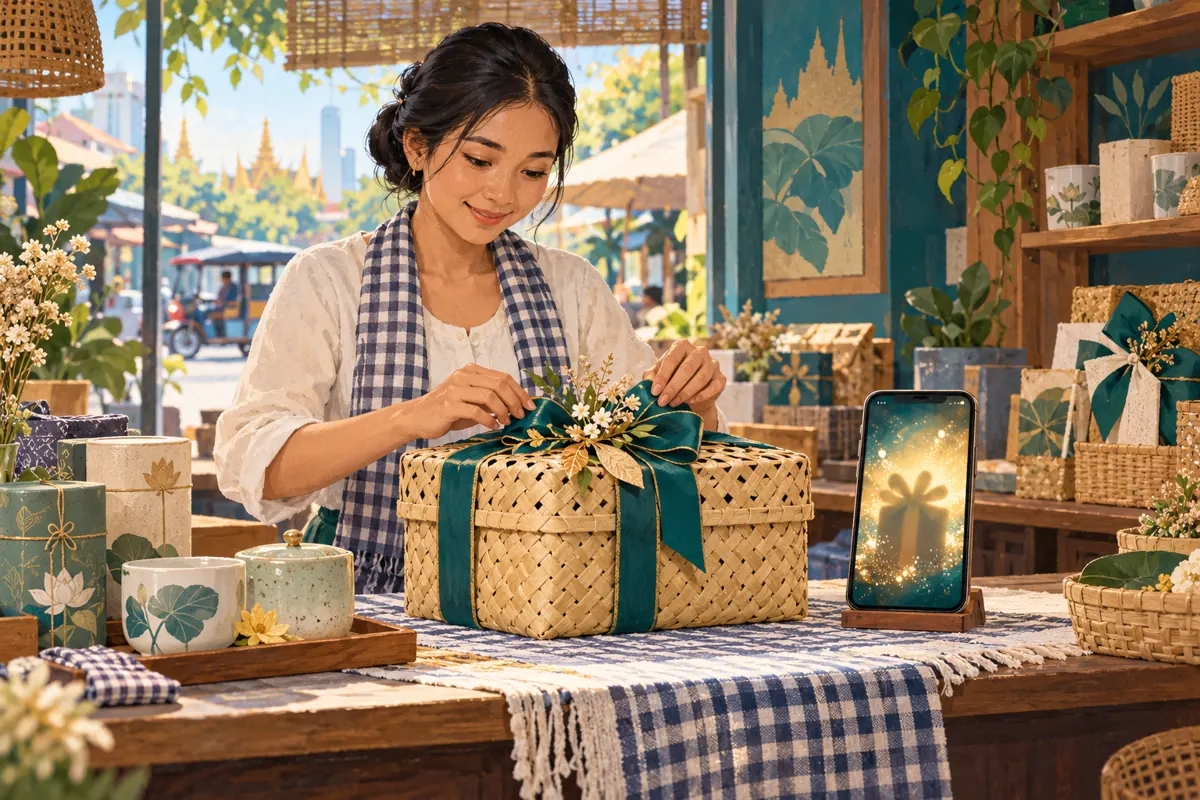
A gift-hamper photograph can help a buyer choose while spoiling the surprise for someone receiving it. For Cambodian shops promoting wrapped baskets, celebration boxes or corporate gifts through Telegram, that creates a useful editorial question: what should appear immediately, and what should readers choose to reveal? Telegram spoiler formatting offers one way to manage that choice. It works best when the surprise concerns presentation, while essential buying information remains visible. This workflow explains how to prepare, test and promote an optional reveal without confusing hidden content with privacy, or treating an SMM service record as evidence of customer demand.
1. Decide whether a reveal helps the customer
Start with the reason for concealing the picture. A decorative arrangement, an optional unboxing sequence or the answer to a playful gift-theme question may suit a reveal. A routine catalogue photograph usually benefits from being immediately visible. Ask whether the customer gains a meaningful choice by opening the image. If the only purpose is to force another interaction before showing an ordinary product, the extra step may make shopping harder.
Separate the audience into buyers choosing a hamper and recipients who might also follow the channel. An optional reveal can accommodate both, but it cannot guarantee that recipients will avoid looking. Where an individual surprise must remain confidential, leave that customer's arrangement out of public promotion. Use a generic sample instead. Decide this before photography so staff do not spend time preparing an image that should never enter the public channel.
2. Understand the boundary between surprise and privacy
Telegram's official Hidden Media guide explains that photo and video spoilers place a shimmering cover over media; recipients can tap to reveal it. That makes the feature a presentation choice. It does not make the underlying picture suitable for sharing with people who should not see it. A recipient's name, delivery address, personal message or payment information should be removed from promotional assets before upload.
Use a simple internal rule: everything behind a spoiler must still be acceptable for every intended reader to see. If disclosure would upset a customer, expose personal information or reveal an unapproved corporate order, do not post it. Photograph a demonstration basket with a blank card and no delivery label. This also makes the asset reusable, because the shop can explain the design without relying on someone else's private celebration.
3. Prepare a useful picture before adding the effect
Make the revealed image worth opening. Show the actual sample clearly, with enough room around it to judge the basket shape and arrangement. Remove distracting packing materials unless they are part of the offer. If decorative props are excluded, say so in the visible description. For handmade hampers, explain any expected variation in ribbon, basket weave or placement rather than implying every order will look identical.
Prepare a separate exterior photograph when the wrapping itself helps customers choose. That image can remain visible, while an interior arrangement becomes the optional reveal. Avoid hiding an entire collection merely because one detail is a surprise. Give the working files descriptive names that distinguish the exterior, interior and approved public sample. Before composing the post, check that all pictured items match the current offer and that substitutions have been approved.
4. Apply the media spoiler deliberately
Telegram's documented process is to select the photos or videos from the attachment menu, open the additional menu and choose Hide with Spoiler. Menu placement can differ between clients, so locate the named option in the app used by the shop. Start with a test message containing a single photograph. A simple first test makes it easier to see whether the intended image has received the effect.
Treat media selection as an editorial checkpoint. An album might contain a covered interior photograph alongside an uncovered close-up that reveals the same contents. Review every selected item, including the opening frame of a video. If the purpose depends on concealing a particular arrangement, remove alternative views that give it away. When the option is unavailable or the result is unclear, use an ordinary exterior photograph and postpone the interior reveal until the intended publication time.

5. Keep purchase information outside the surprise
Write the visible caption so someone can understand the offer without opening the media. Include the product reference, what is included, the confirmed price and currency, ordering deadline, collection or delivery conditions, and the next step for enquiries. Where food is included, keep relevant ingredient and allergen information accessible. A customer should not have to reveal a decorative surprise to discover whether the product is suitable or affordable.
Text spoilers are a separate formatting choice. Telegram's official Spoilers guide says selected text can be marked as Spoiler and hidden in the message, chat list and notifications until revealed. Use this sparingly for an optional theme name or reveal detail. Keep an ordinary sentence explaining what is hidden. For example: 'The next photo shows the finished arrangement; open it if you would like a preview.' Never conceal an extra charge, substitution condition or important limitation.
6. Test the experience before sharing the post widely
Have a colleague receive a test post and inspect it before tapping anything. Ask what they understand about the product, whether they know how to reveal the picture, and whether the visible caption is sufficient to make an enquiry. Then ask them to open the media and compare the contents with the description. This checks two different experiences: choosing to preserve the surprise and choosing to inspect the product.
Use the phones your team actually handles, and include another commonly used client when practical. Inspect the chat list and notification preview as well as the open conversation, especially when text spoilers matter. If forwarding is part of the planned promotion, test that exact sharing route separately. A successful test on one device is not a promise about every client or destination. Record any uncertainty and simplify the post if the reveal depends on behavior you cannot confidently reproduce.
7. Walk through a hypothetical Phnom Penh launch
Consider a hypothetical Phnom Penh shop preparing a tea-and-ceramics hamper for customers buying thank-you gifts. Its followers include people choosing gifts and people who may receive them. The shop decides to show the closed basket publicly, then offer a covered photograph of the interior. The caption identifies the included tea and cup, states the shop's actual price and collection arrangements, and explains that the second image reveals the decorative layout.
During a staff test, a colleague notices that a ribbon close-up also exposes the cup design. The shop removes that redundant photograph. Another colleague finds the enquiry instruction vague, so the caption asks buyers to send the hamper reference and preferred collection date. Staff confirm availability privately before accepting an order. These are hypothetical editorial decisions, not reported results: the useful outcome is a clearer shopping path, with no claim that the spoiler produces more views, enquiries or sales.

8. Give the reveal a sensible place in promotion
Choose whether the spoiler post is a permanent optional preview or a temporary introduction before a fully visible catalogue post. For a temporary reveal, set a review date in the team's content plan and assign someone to prepare the later version. For an ongoing offer, keep a straightforward product reference available so returning buyers do not have to rediscover the ordering details through a sequence of teasers.
Share the post through relevant, permission-based channels and explain why it is useful. Avoid repeated messages urging people to open the hidden image. If the hamper sells out, update the offer promptly and give an accurate next step, such as asking about a future batch when that is genuinely available. Do not preserve an outdated offer merely because its reveal looks attractive. The shop's availability information should govern promotion, including any decision about a related SMM request.
9. Review an SMM listing without inventing a reveal service
One relevant public listing is "Telegram - Post Views ~ 1 post ~ 𝐍𝐎 𝗥𝗘𝗙𝗜𝗟𝗟 ~ 100k/days ~ INSTANT". Its name identifies a post-view offering. It does not establish a service for opening spoilers, studying hamper contents or finding Cambodian buyers. Treat the speed and refill wording as catalogue labels to verify, rather than independent performance evidence. A post-view listing should never be described to staff as a product-reveal campaign.
Before considering an order, review the current service requirements, applicable platform rules and the business purpose. Confirm which post would be targeted and whether its offer is still accurate. If the objective is to learn whether local customers like the arrangement, purchased views cannot answer that question. Keep any service order record separate from customer feedback. Purchased engagement is not evidence of genuine interest, sales, advertising delivery or Cambodian audience origin, and no official Telegram affiliation should be inferred from a listing.
10. Evaluate understanding instead of assuming curiosity became demand
Telegram's Channels FAQ describes post-view totals as approximate and says views of forwarded copies are included. Those totals do not establish how many people opened a spoiler or understood the hamper offer. Avoid writing a report that turns a change in the eye counter into a count of successful reveals. Record the post reference and any promotion activity, but leave unsupported conclusions out of the result.
Look instead at the questions customers actually ask. Repeated requests for the price suggest the visible caption needs work. Questions about an item that is only decorative suggest the photograph or inclusion statement is ambiguous. Keep confirmed orders in the shop's normal order records, with availability and customer choices checked independently. For the next post, change one useful editorial element, such as the visible exterior photograph or enquiry instruction. This creates a practical learning loop without promising that a formatting effect drives demand.

Frequently asked questions
Can a spoiler keep a customer's personalised gift secret?
It cannot provide that assurance. Readers can choose to reveal the content, so a public spoiler is unsuitable for information that particular people must not see. Use a generic sample for promotion and discuss the customer's actual arrangement through the agreed private contact route. Remove names and personal messages before creating any reusable marketing image.
Should the whole caption be hidden to make the post more intriguing?
Usually that makes the offer harder to understand. Leave enough information visible for a reader to identify the product, assess its suitability and know what to do next. Reserve concealment for an optional surprise. If the hidden text contains a condition that could affect the purchase decision, move that condition into the visible caption.
Does a Telegram post view prove that the hidden picture was opened?
No. The channel view total should not be treated as a spoiler-opening count. Telegram documents approximate post views, including forwarded copies, rather than evidence that each viewer inspected the concealed content. If you need feedback on the arrangement, invite a specific voluntary response and interpret the answers as feedback from those respondents, not the entire audience.
What should the shop do if customers find spoilers confusing?
Remove the unnecessary obstacle. Publish an ordinary approved product photograph with clear details, or use an exterior image with an optional separate interior preview. Ask staff which questions customers struggled with and revise the post accordingly. The feature is useful only when it improves the reader's choice; a shop does not need a reveal effect to present a thoughtful gift.
Explore the current service catalogue, create an account, or ask a specific question through support tickets.
- Telegram: Hidden Media, Zero Storage Usage, New Drawing Tools, Profile Pictures for Your Contacts, and More
- Telegram: Reactions, Spoilers, Translation and QR Codes
- Telegram Channels FAQ
Prepared with AI assistance. Illustrations explain the workflow and do not represent customer results.